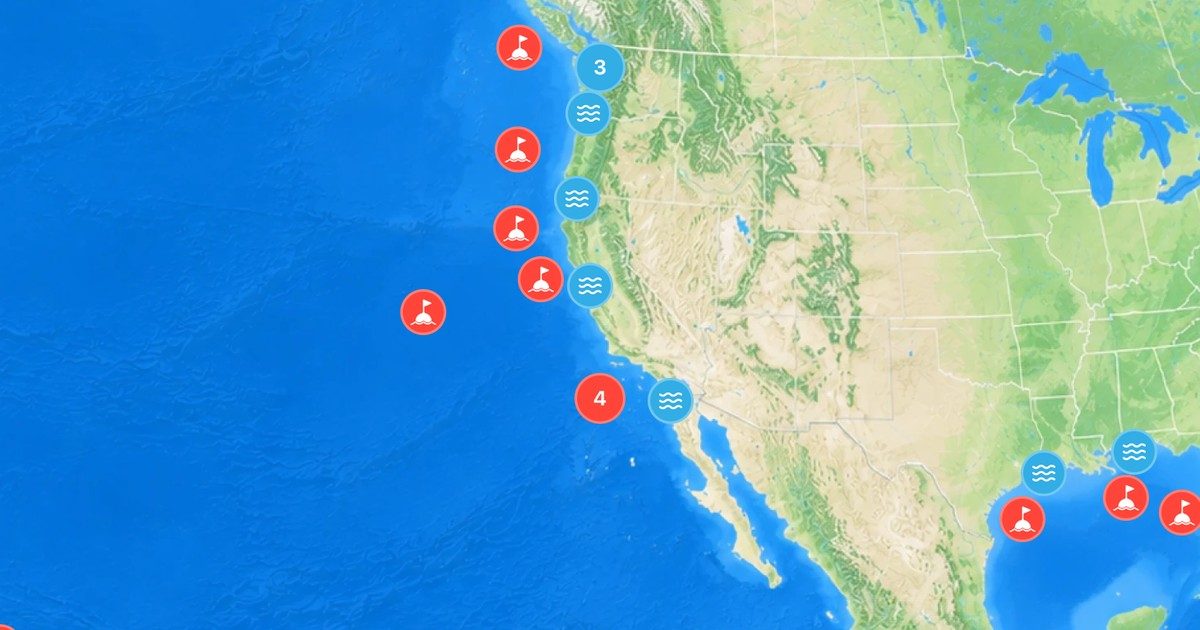
 Buoywatch
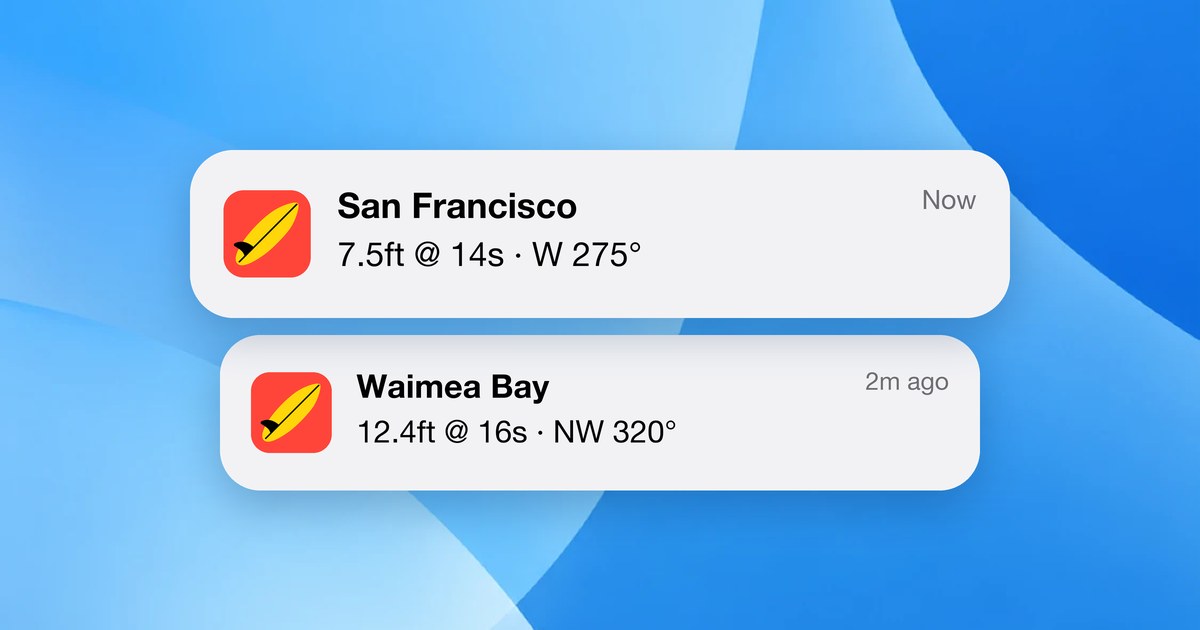
What a swell alarm does
In Buoywatch, a swell alarm (a wave size notification, part of Buoywatch PRO) watches a buoy for you and sends a notification when the observed wave height reaches the size you set. Instead of refreshing a buoy all day, you hear about it when the waves you care about show up.
Choose the right buoy
Set the alarm on the buoy that best represents your break. For most spots that is a nearshore buoy, because it shows what is actually arriving. If you want an earlier heads-up, an offshore buoy in your swell window will trigger first, often many hours before the swell reaches the coast. See How to Find the Right Buoy for Your Surf Spot.
Choose the right height
Buoy wave height is significant wave height, measured at the buoy, not on your beach. The best threshold comes from your own notes: what did that buoy read on days you remember as good? Start there and adjust after a few alerts. Too low and you will get alerts for small, weak days; too high and you will miss sessions.
When the alarm goes off
- Check the period: long-period swell usually means more powerful waves at the same height.
- Check the direction against your spot.
- Check the tide and the wind.
For the full routine, see A Pre-Session Surf Check.
Keep it close
Alarms work best alongside a widget or a free Apple Watch complication showing your main buoy, so a glance tells you whether the swell is still building.